1
Create a campaign
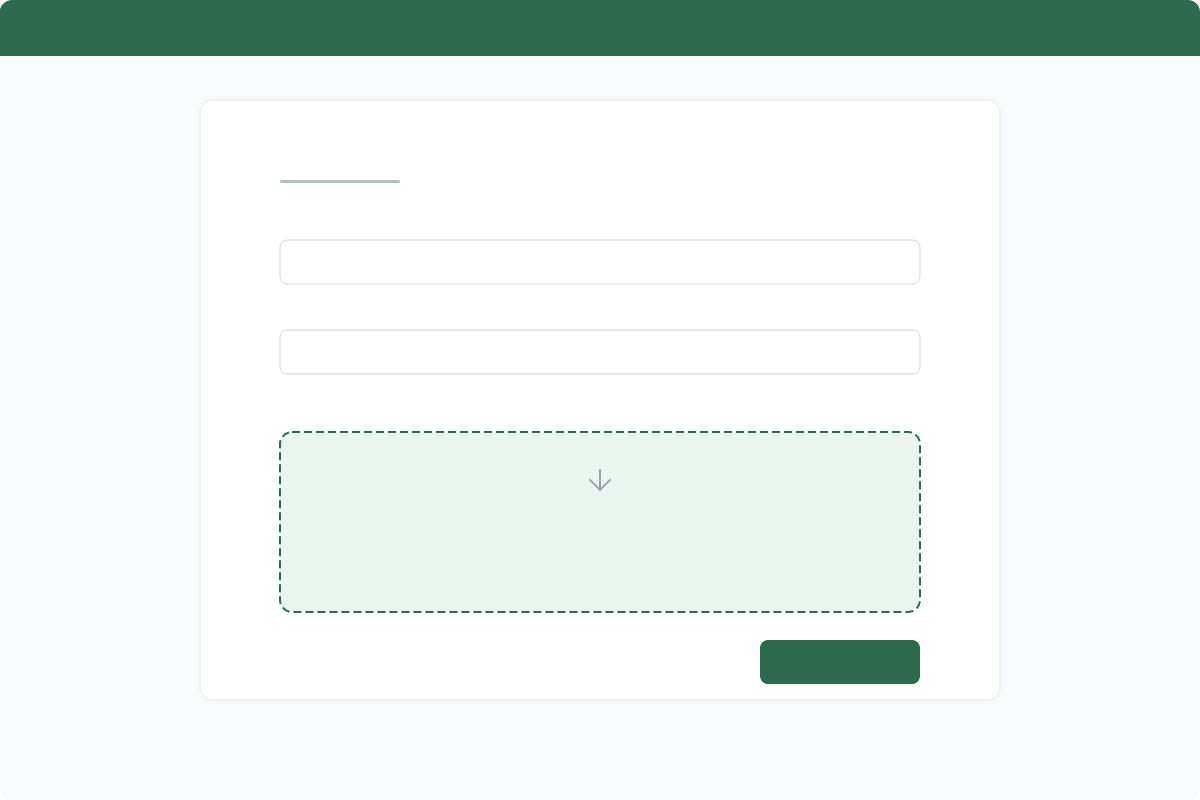
Upload your PDF document, name your campaign, and choose your sender identity. Everything starts with a simple drag-and-drop upload.
A guided tour of the document signing experience — from uploading your first document to a complete audit trail.
Upload your PDF document, name your campaign, and choose your sender identity. Everything starts with a simple drag-and-drop upload.
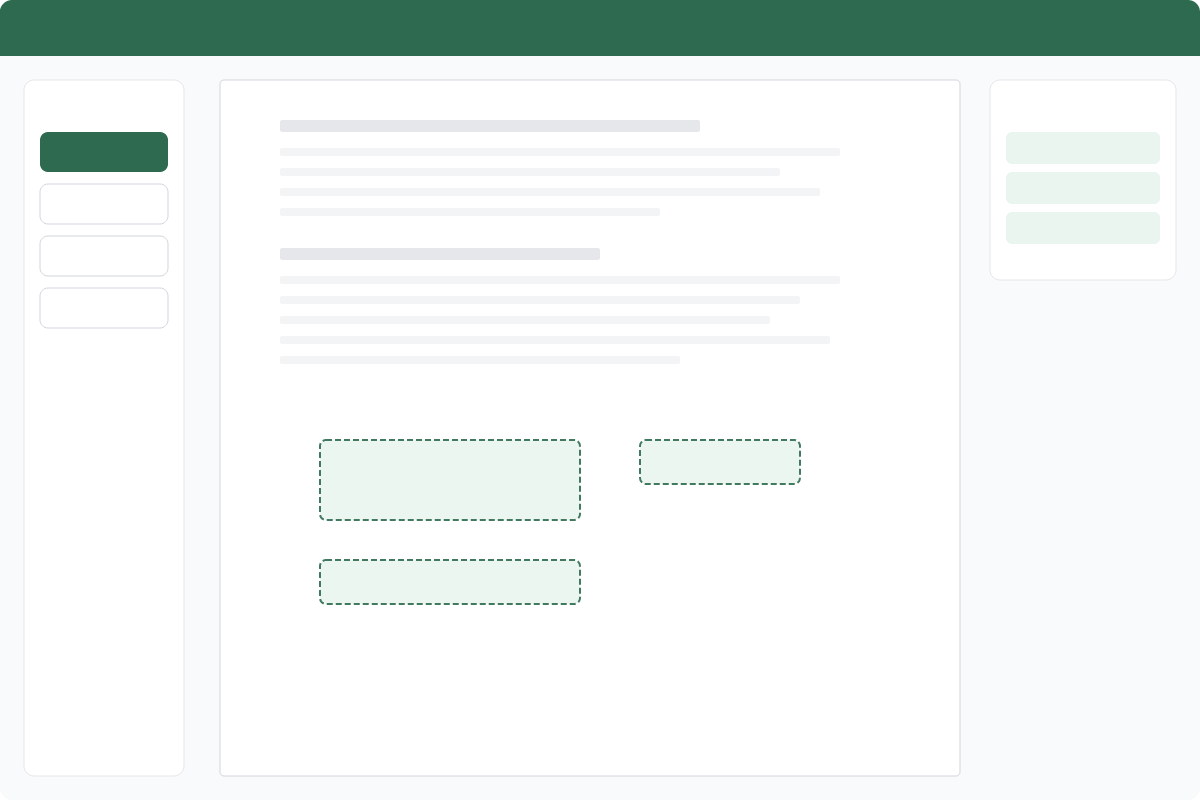
Drag and drop signature, date, and text fields exactly where you need them on the document. Our visual editor makes placement precise and intuitive.
Each recipient receives a professional, fully branded email notification with a secure link to review and sign the document.

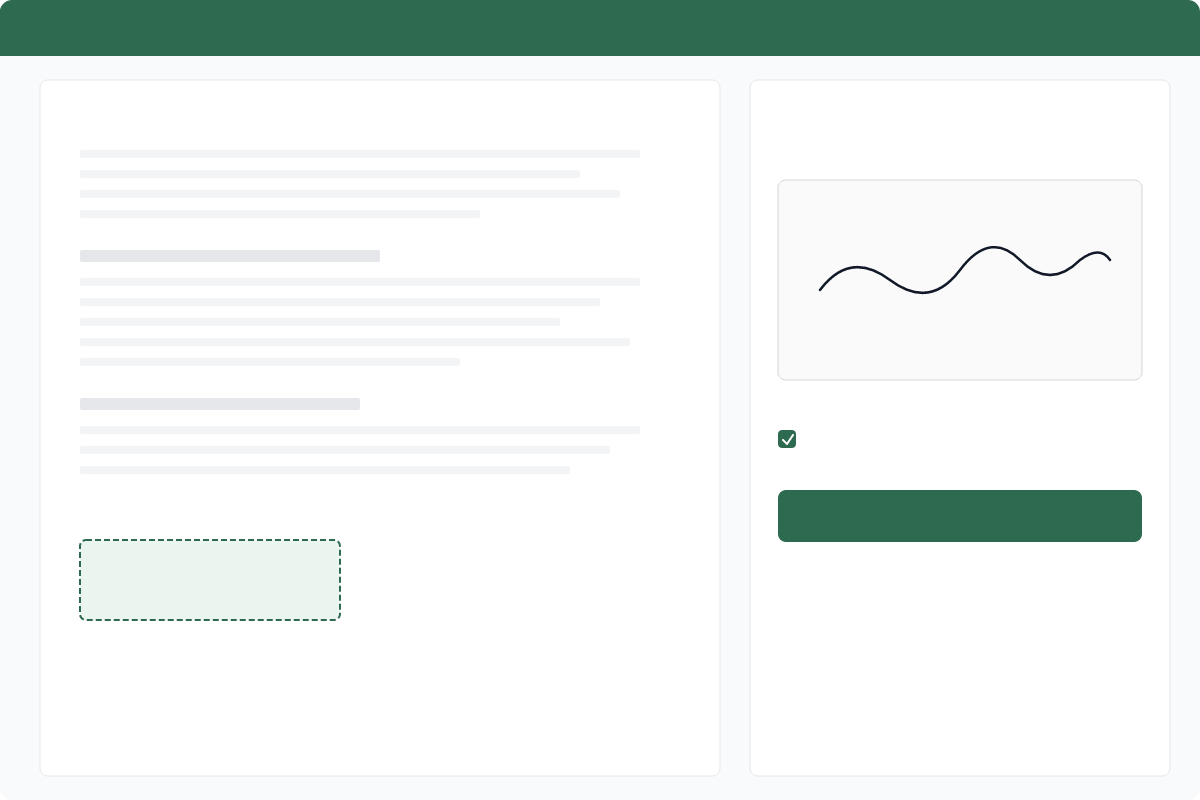
Recipients view the full document, then draw or type their signature. The signing experience is clean, mobile-friendly, and branded to your identity.
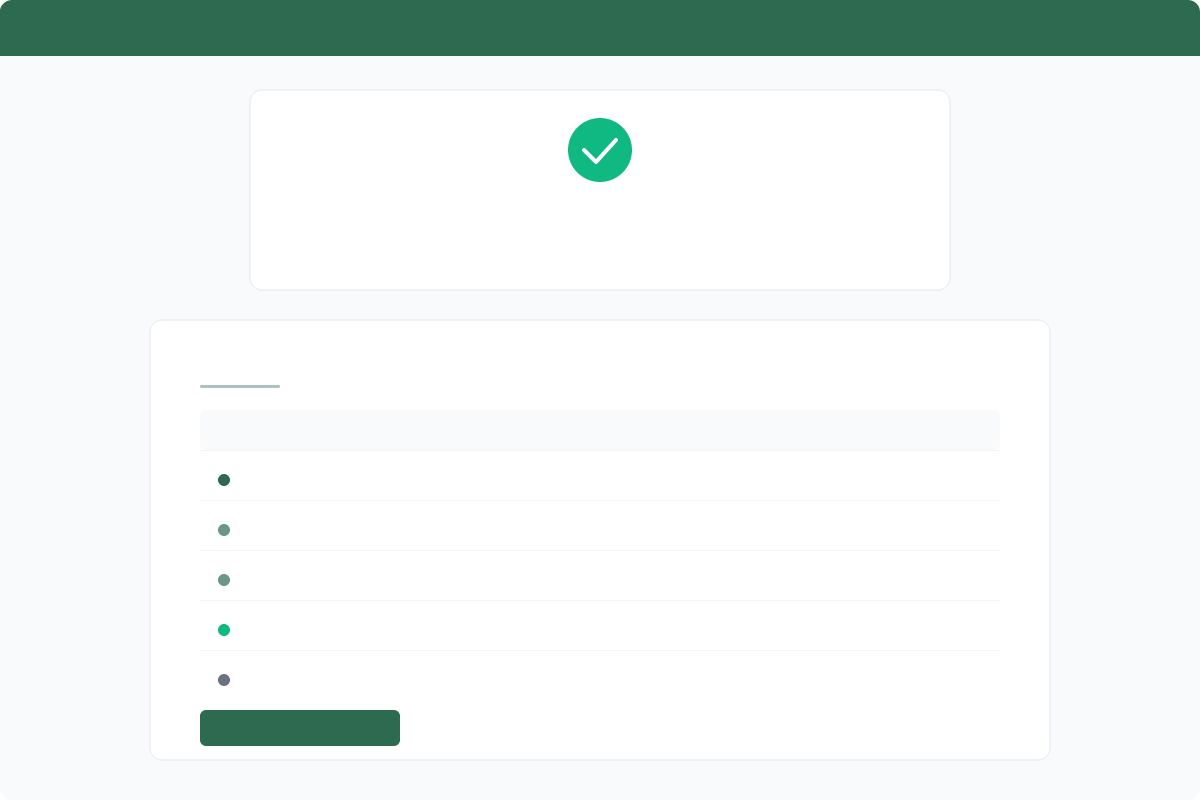
Every action is logged with timestamps, IP addresses, and user agents. You get a complete, tamper-evident audit trail for every document.
Grounded commitments. Paperless promises.. Document signing for organisations that care about impact. Built for NGOs, social enterprises, B-Corps, sustainability consultancies, and property firms who want to eliminate paper without eliminating trust.
Start free — no card needed